Import from a broker
Whisper Money recognises Trade Republic and MyInvestor exports. There are no columns to map: the file identifies itself, the cash is kept apart from the securities portfolio, and each part goes to its own account, created during the import if you don't have it yet.
Quick start
- Download the file from your broker, as explained under Trade Republic or MyInvestor.
- In Transactions, click Import transactions.
- Pick the broker's account. If you don't have it yet, click Upload the file and we'll create it.
- Upload the file as it is. The drawer tells you which export it is.
- Check which account each part goes to, today's balance and, when there is a portfolio, its current value.
- Review the preview and import.
Trade Republic
Which file to download
Trade Republic offers a transaction export as a CSV that holds, in one file, the movements of your cash account and your securities trades. You create it in the app, among the statements in your profile, choosing a period.
- Choose the longest period, from the day you opened the account. The portfolio is worked out from the buys and sells in the file, so a short period leaves out what you invested before it.
- Upload the CSV as it comes. There is no need to open it or change anything.
- Older exports, separated by semicolons, are recognised too.
- PDF statements won't work: only the transaction CSV.
What gets imported
A Trade Republic file goes to two accounts.
| Part of the file | Account | What is kept |
|---|---|---|
| Cash | “Trade Republic”, a Checking account | One transaction per cash movement, and each day's balance. |
| Securities portfolio | “Trade Republic · Portfolio”, an Investment account | What was invested each day and today's value. No transactions. |
Everything that moves money goes into the cash: card payments, transfers, direct debits, interest, dividends, Saveback, bonuses, fees, taxes, and also the buys and sells of securities, which come out of that same account. Each amount is what the balance changed by, fee and tax included.
The transactions are described like this:
- Card payments, with the merchant's name.
- Buys, sells and dividends, as Buy · name, Sell · name and Dividend · name, with the security's name.
- Interest as Interest, and Saveback as Saveback.
- Everything else, with the counterparty's name or Trade Republic's description.
The portfolio covers stocks, ETFs, savings plans and crypto. Its balance on each day is what had been invested up to that day: what you paid for buys minus what you got for sells. A sale at a gain takes off more than it cost, so what was invested can drop a lot, even below zero. Shares that arrive without moving cash, such as crypto rewards or a transfer in from another broker, don't count as invested. If you don't want the portfolio, choose Don't import the portfolio.
MyInvestor
MyInvestor hands out one file per product: one with the current account's movements, and another with the operations of the securities and funds portfolio. Each is imported on its own and goes to its own account.
| File | Account | What is kept |
|---|---|---|
| Current-account movements | “MyInvestor”, a Savings account | One transaction per movement, and each day's balance. |
| Securities and funds operations | “MyInvestor · Portfolio”, an Investment account | What was invested each day and today's value. No transactions. |
If you have both, import both files: they don't overlap. The securities file holds no cash, so it duplicates nothing from the current account. The money you move from the account to the portfolio, and fund subscriptions paid from the account, come in with the current-account file.
Current-account movements
In your account's details, tap Ver más información and, under Documentación, choose Resumen de movimientos. It downloads every cash movement of the account as an Excel file. The Extracto de cuenta is a PDF and won't work.
Three shapes of this file are recognised:
- The Resumen de movimientos Excel, with a few title rows above the header.
- The movements Excel that opens with the Titular and Cuenta rows, and has the Fecha operación, Fecha valor, Movimiento, Importe and Saldo columns.
- The semicolon-separated CSV, with the Fecha de operación, Fecha de valor, Concepto, Importe and Divisa columns.
When the file has a Saldo column, each day's balance comes from it, and today's is the file's last one. When it doesn't, today's balance is worked out by adding up the movements, and you can correct it.
Securities and funds operations
This is the export of the orders in your securities and funds portfolio, which
MyInvestor downloads as salida.xls (or salida.xlsx). Upload it as it is, even
if its headers don't line up with the columns when you open it: it is read just
the same.
What is read from each operation:
- Buys and subscriptions add to what was invested; sells and redemptions take off what you got for them.
- Transfers and switches between funds don't change what was invested: the money leaves one fund and goes into another.
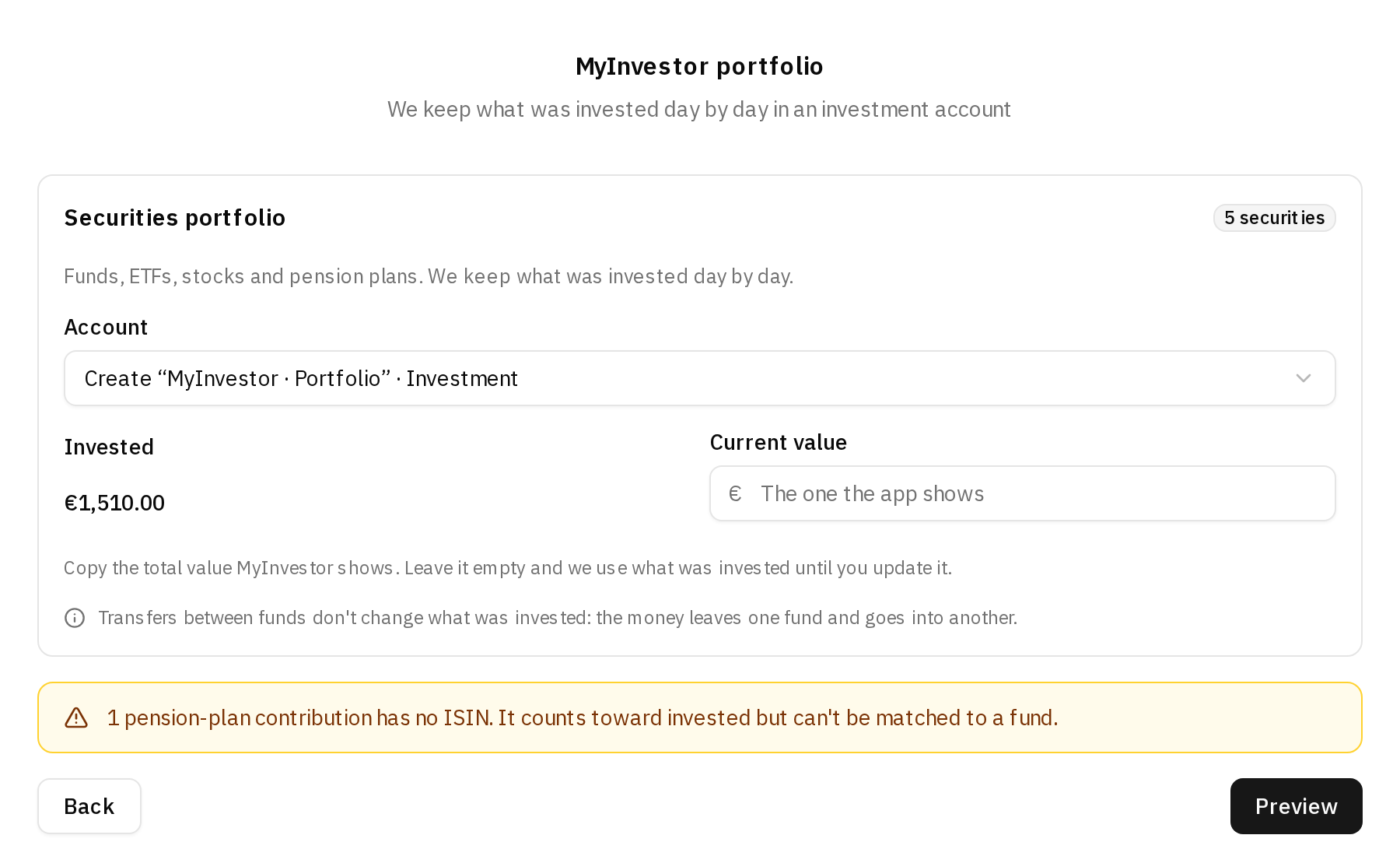
- Pension-plan contributions count as invested. They carry no ISIN, so the step warns you that they can't be matched to a fund. Pension-plan payouts (prestaciones) take off, like a sell.
- Dividends aren't imported from this file. When they are paid into the current account, they come in with its file.
The import drawer, step by step
No account yet
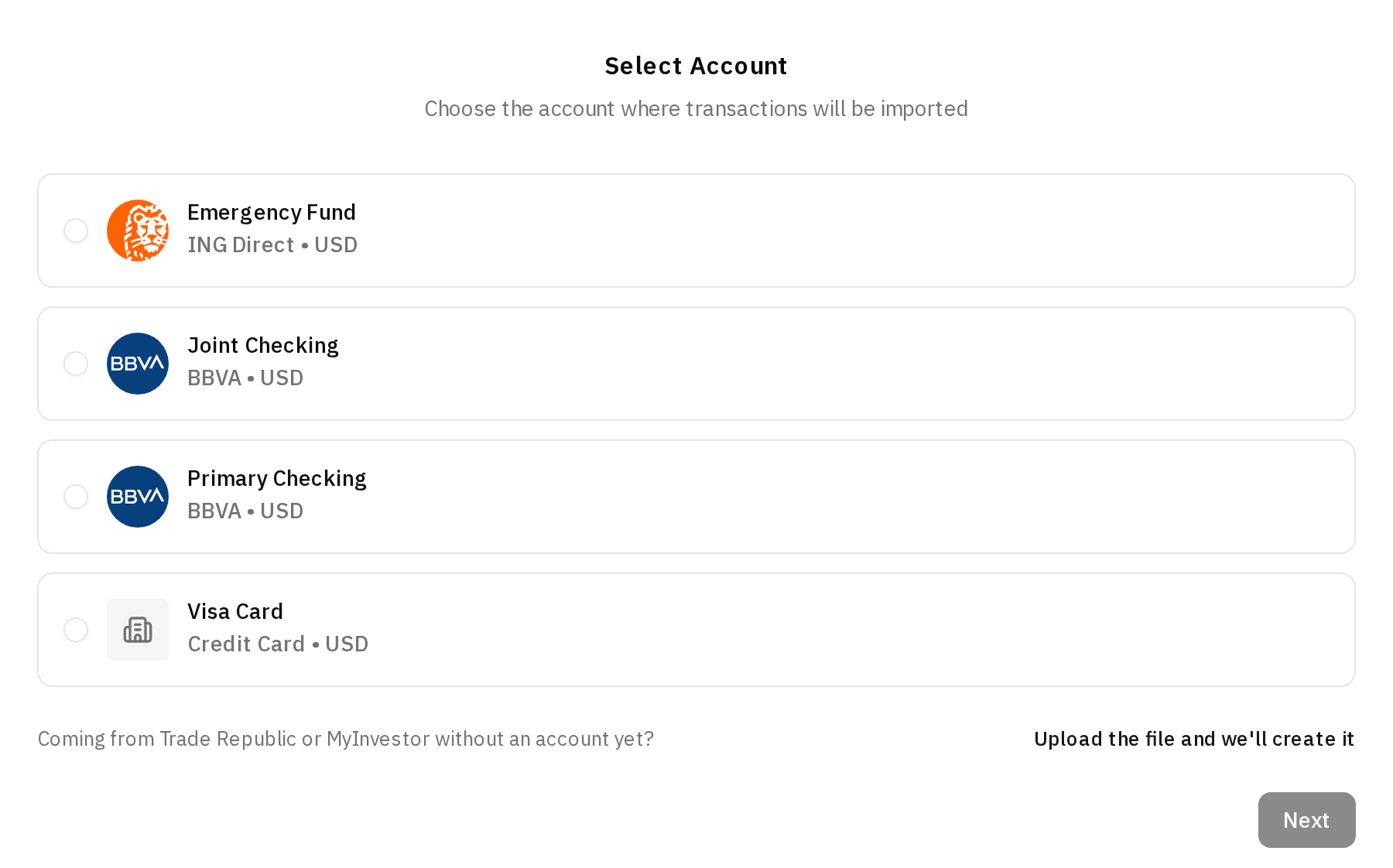
The first step asks which account the file goes to. If you already have the broker's account, pick it. If not, click Upload the file and we'll create it, next to Coming from Trade Republic or MyInvestor without an account yet?, and you go straight to the file.
The file is recognised
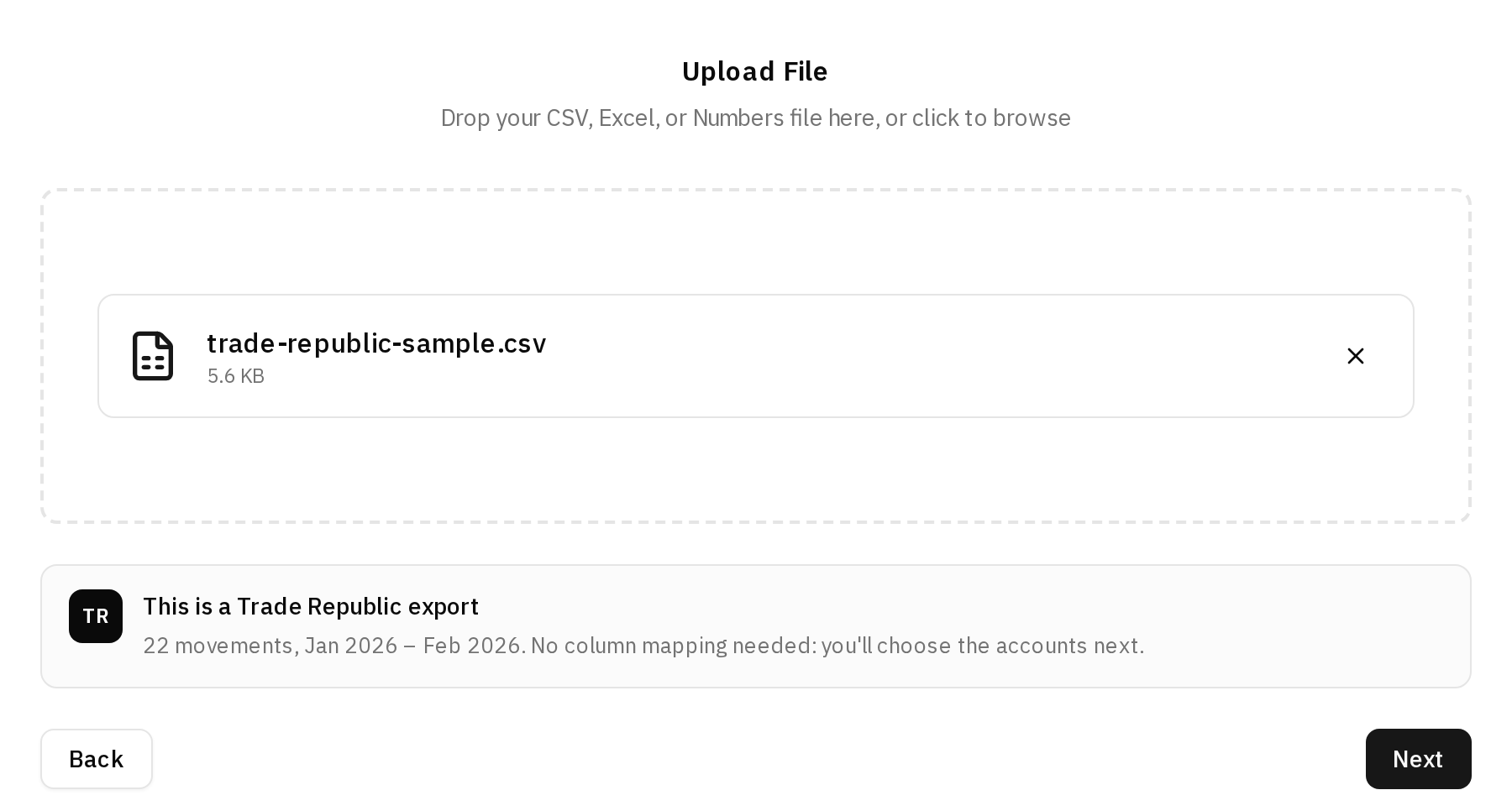
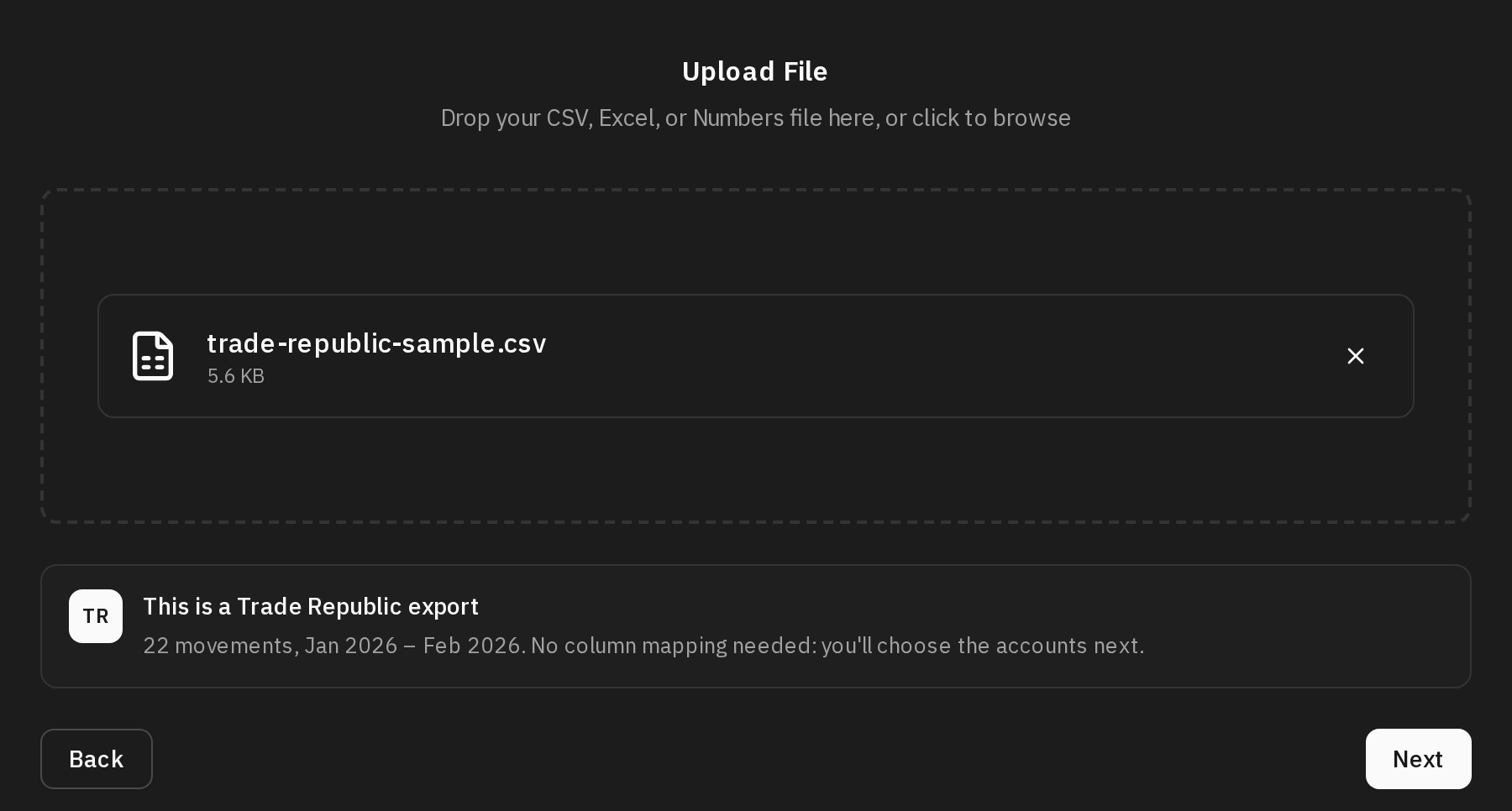
When you upload the file, the drawer says which export it is, how many movements or operations it holds and which months they cover. A broker export skips the column mapping step: Next takes you to the broker step. A file that isn't recognised goes the usual way, with its column mapping.
Choose the accounts
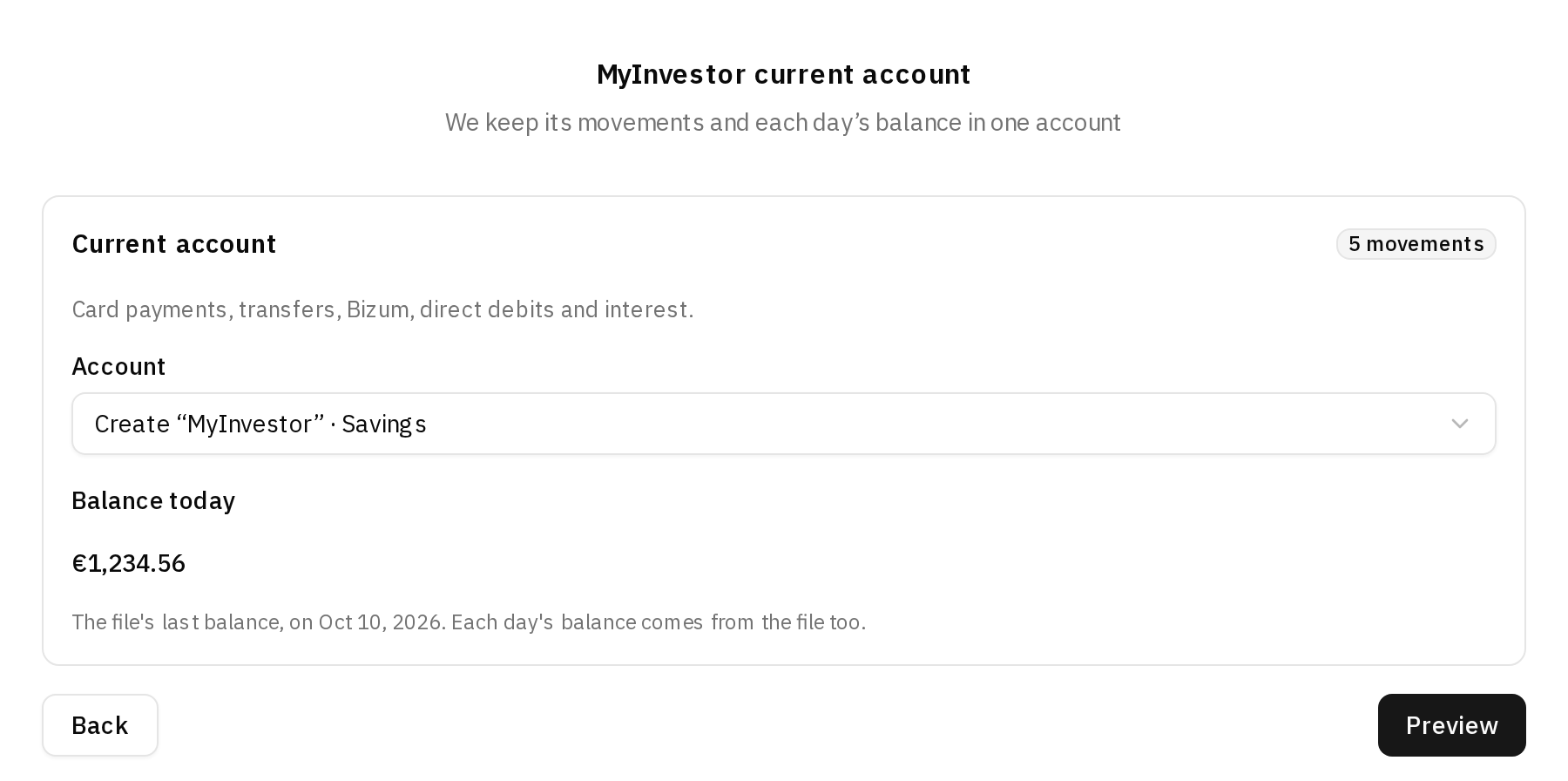
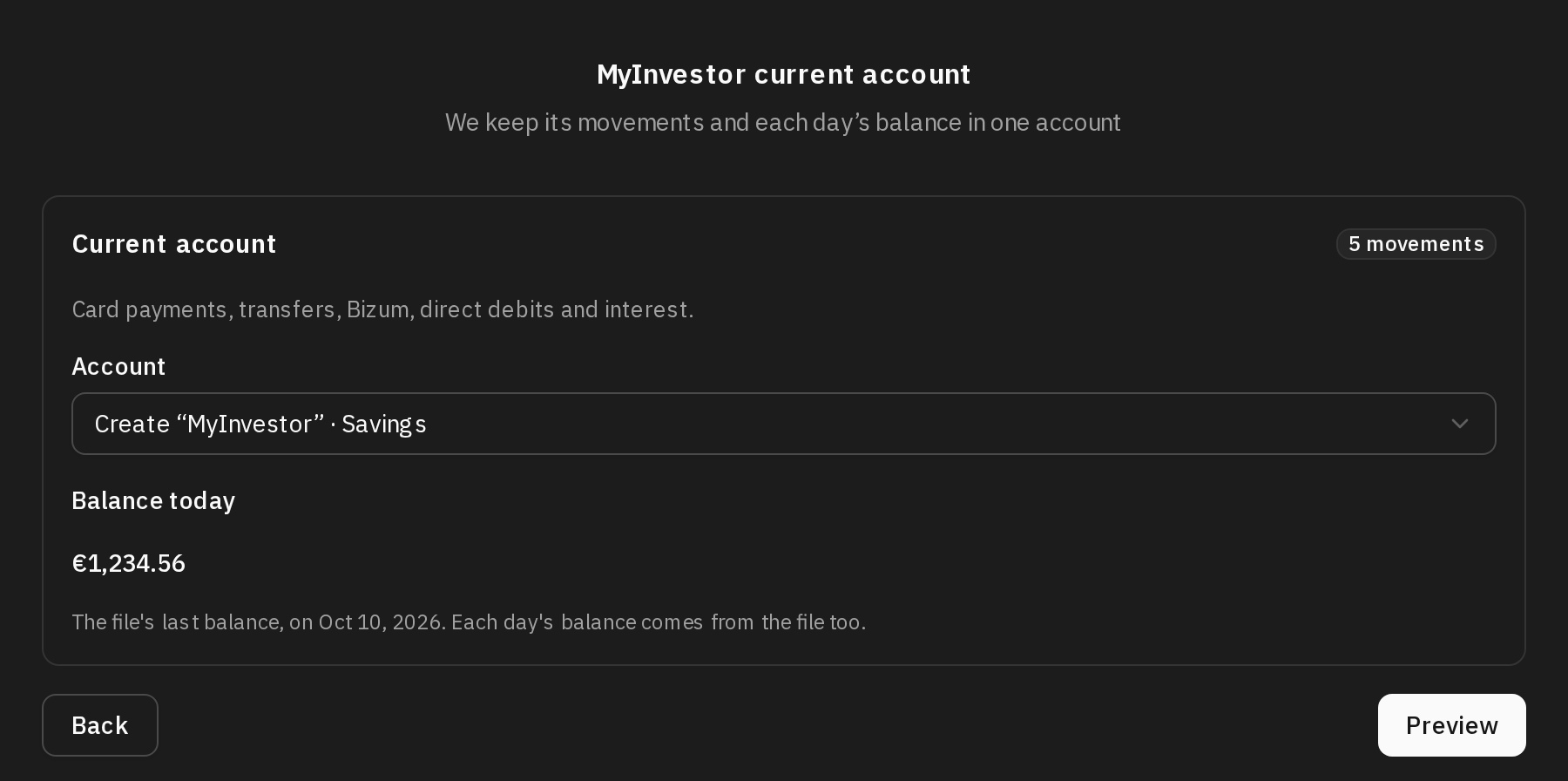
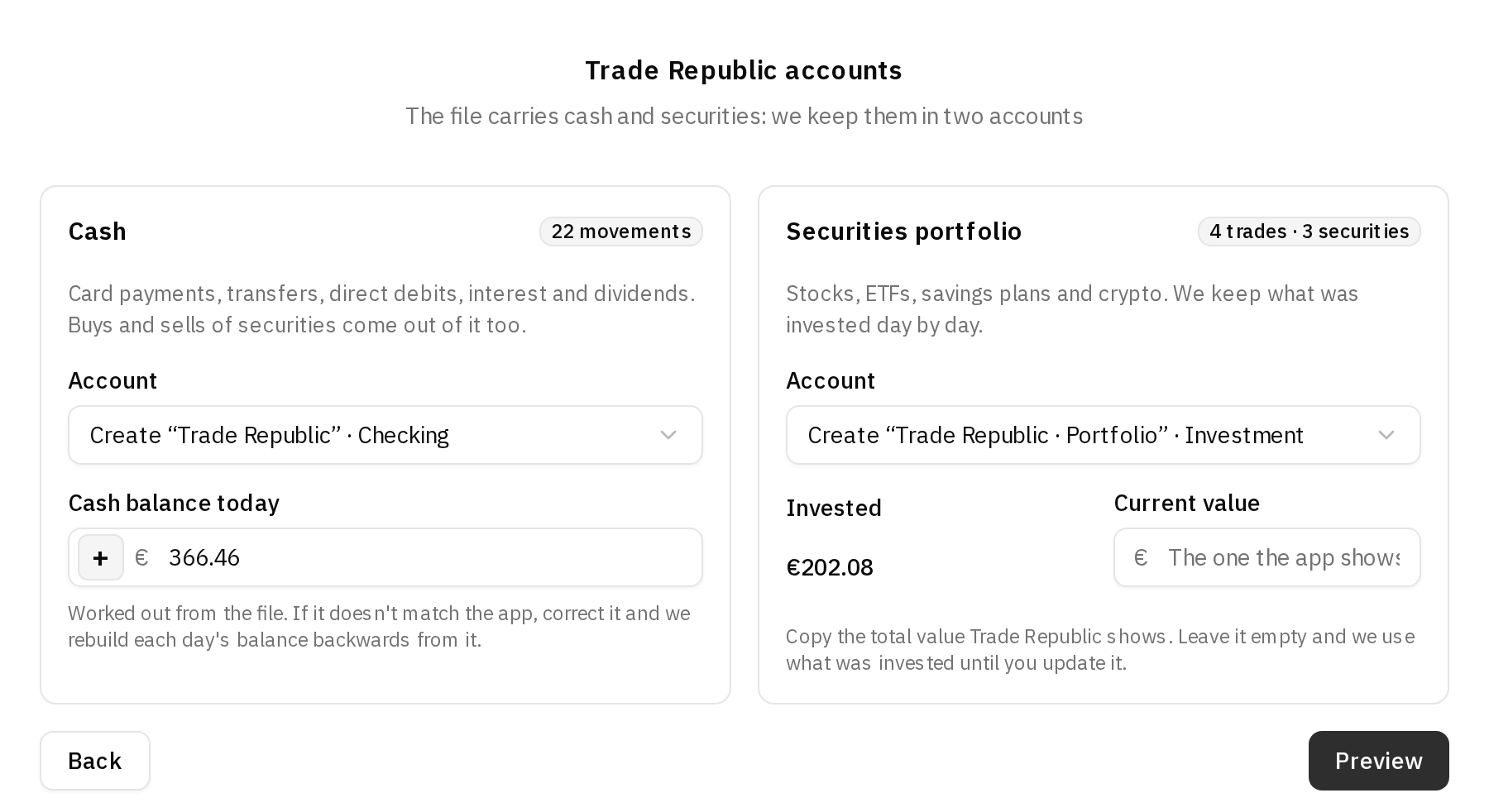
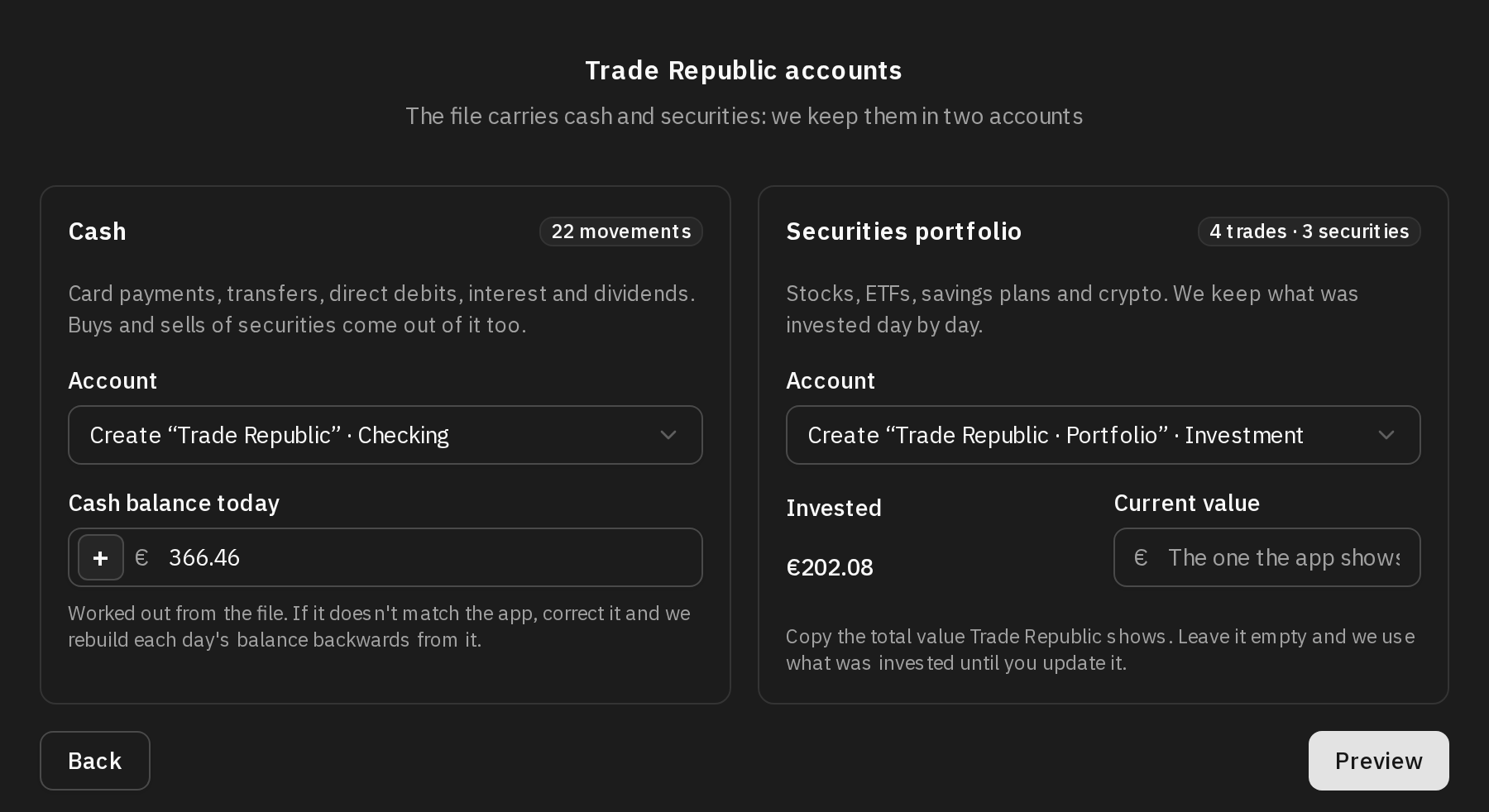
The broker step has a box for each part of the file, with an Account picker:
- Create “Trade Republic” · Checking, Create “MyInvestor” · Savings or and, for the portfolio, Create “Trade Republic · Portfolio” · Investment or Create “MyInvestor · Portfolio” · Investment create the account when you import. When the broker's bank is in your list, the account is created there.
- You can also pick an account you already have. If you already have an account at that broker, it comes picked.
- If you pick an account that isn't at Trade Republic for Trade Republic's cash, the step warns you in case it's a mistake, but lets you go on.
- On an existing account, the step tells you from which day its daily balances are replaced with the file's.
Today's balance
Each day's balance is rebuilt backwards from today's. When today's balance is right, each day's balance adds up even if the file doesn't start when you opened the account.
- For Trade Republic, the Cash balance today is worked out by adding up the file's movements, which is only right when the file starts when you opened the account. If it doesn't match the one the Trade Republic app shows, correct it.
- For MyInvestor, when the file has balances, Balance today is the file's last one and can't be edited. When it doesn't, it is worked out and you can correct it.
The portfolio's value
The file says how much you invested, but not what your holdings are worth today. Next to Invested, copy the total value the broker's app shows into Current value. Leave it empty and the portfolio is worth what was invested until you update it.
Preview and import
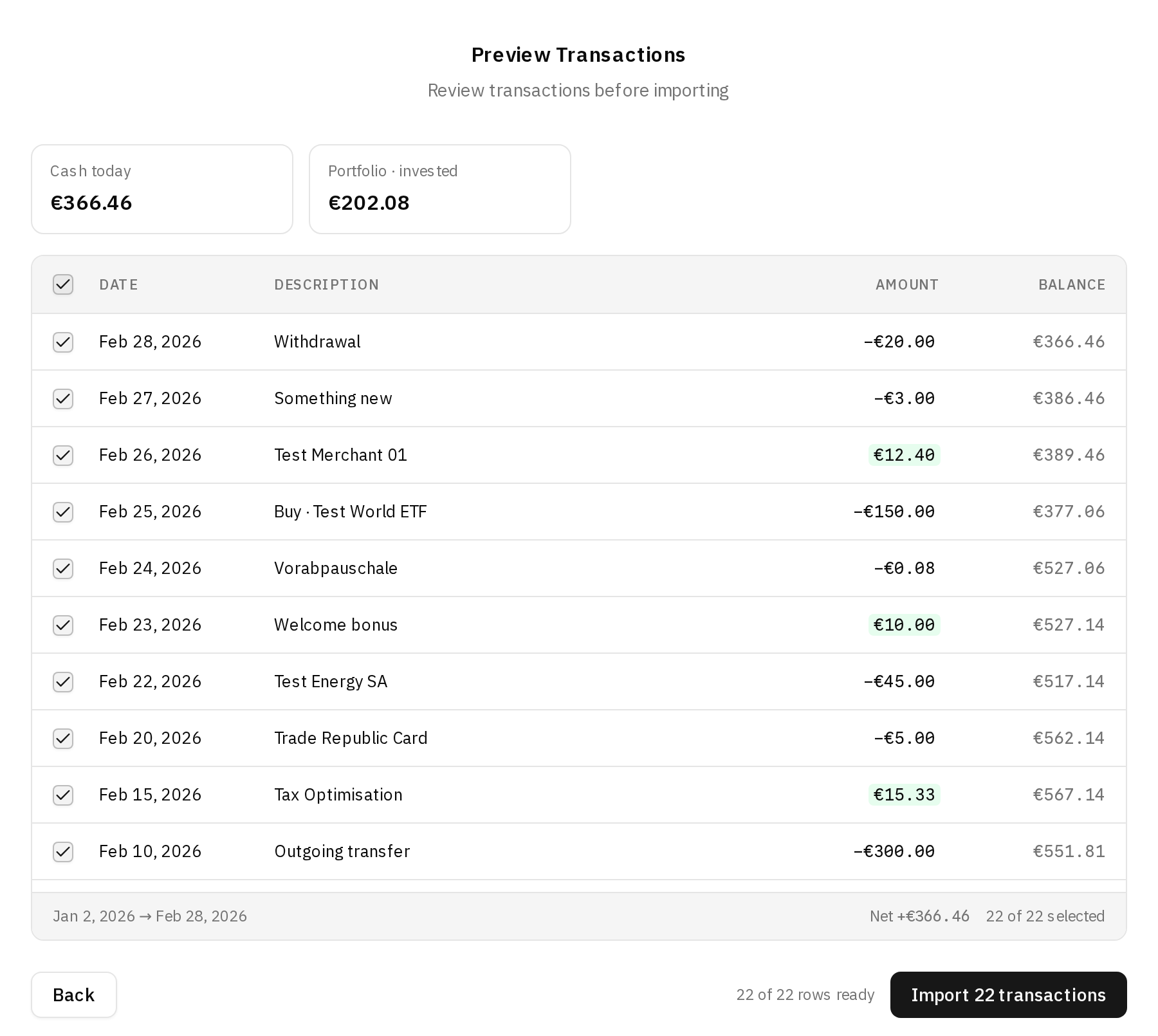
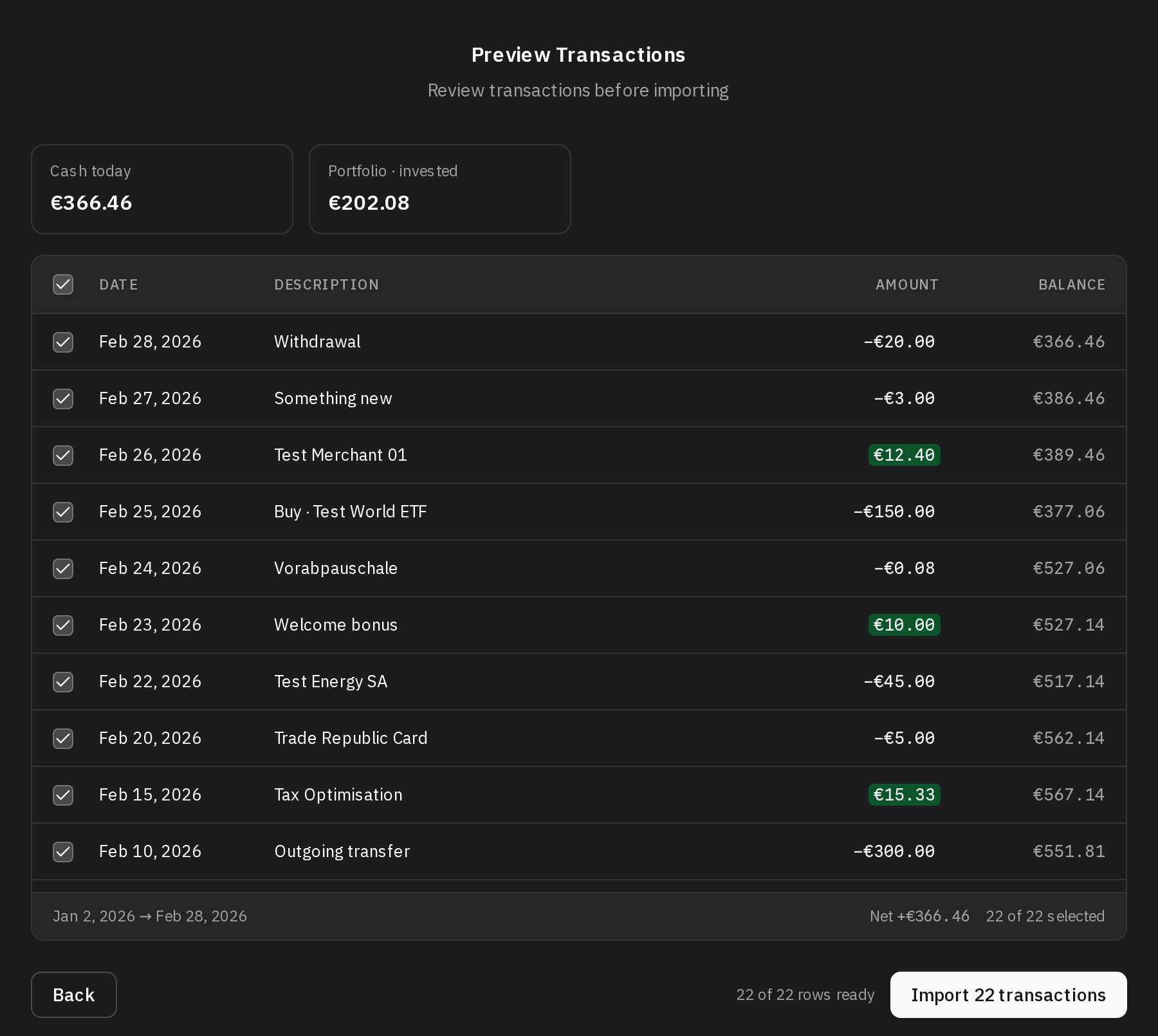
Click Preview. At the top you see where the accounts will stand: today's cash, what was invested and, if you entered the current value, that value and the gain. Below, the cash movements with each day's balance. Those already in the account come unticked.
A MyInvestor securities file brings no transactions: the preview lists the operations for reference, and the button is Import portfolio history.
When you import, the transactions go through your automation rules, as in any other import.
What you end up with
- Accounts. The ones you picked or the ones created: a cash account and, if you imported it, an investment account. They are created in the file's currency.
- Transactions. Only on the cash account, one per movement, each with its own id so the next import recognises it.
- Balances. Each day's on the cash account, from the file's first movement up to today.
- Portfolio. On the investment account, one balance per day with what had been invested up to that day, and today's with the current value you entered. The holdings of each security (shares, fund units) are not kept.
Importing again
You can import a newer export whenever you like; usually the same full period, with the new months included.
- The accounts are remembered. The step says We recognised the file and the accounts from last time and shows Same accounts as last time, even if you renamed them. Click Change to pick others.
- Transactions aren't duplicated. Trade Republic gives every movement its own id. MyInvestor doesn't, so one is made from the day, the amount and the concept; two identical movements on the same day stay two. Whatever is already in the account comes unticked in the preview.
- You see what changed. Next to what was invested you see how much it moved since last time, and under the current value, the one you entered last time and its date.
- The balances are redone. The daily balances from the file's first day on are replaced with the new ones. With a Trade Republic file or a MyInvestor current-account file, only when some new movement comes in: when nothing is new, the balances stay as they were, Trade Republic's portfolio included. A MyInvestor securities file always redoes them.
When the account is connected to your bank
An account connected to your bank gets its movements and its balance from the sync, so the file writes nothing to it: what it holds would land as duplicates.
- Trade Republic. When the cash account is connected, only the portfolio is imported, and the preview lists the operations for reference. If you also choose Don't import the portfolio, there is nothing left to import.
- MyInvestor, current account. When the account is connected, the file has nothing to import into it and the step won't let you go on.
- MyInvestor, securities and funds. Nothing changes: that file only writes to the investment account.
FAQ
Do I have to create the accounts first?
No. Click Upload the file and we'll create it on the first step, and the accounts are created when you import, with the names you see on the broker step. You can rename them afterwards: the next import still recognises them.
Which MyInvestor file should I use?
Both, if you have an account and a portfolio. Resumen de movimientos brings the current account's cash, and the securities operations file brings what you invested in funds, stocks and pension plans. If you only use the account, the first one is enough.
Why is the portfolio worth exactly what I invested?
Because the file has no prices. The past is kept as what was invested, and today is worth what you enter in Current value. If you left it empty, enter it on the next import, or correct today's balance of the investment account in Edit balances.
Are my stocks and funds kept one by one?
No. The portfolio is an investment account with what was invested and its value on each day. The holdings of each security are not kept.
The cash balance doesn't match Trade Republic's. What do I do?
Correct Cash balance today on the broker step with the one Trade Republic shows. Each day's balance is rebuilt backwards from that figure.
Can I import a file that overlaps the previous one?
Yes. Whatever was already in the account is recognised by its id and comes unticked, so only what is new comes in. For the portfolio, always use an export from the beginning: what was invested is worked out only from the operations in the file.
Can I import Trade Republic's cash into an account I already have?
Yes, pick it in the Account picker. If it isn't a Trade Republic account, the step points it out in case you picked the wrong one. Its daily balances from the file's first day on are replaced with the file's.
Does the file go through the AI?
No. The file is read in your browser, and a broker export has no column mapping to suggest.