Create a transaction
Add a transaction by hand when it did not arrive from a bank file or a connected account: cash, a repayment between friends, or something the bank never recorded.
Where the dialog is
The Transaction button on the transactions page opens it. It also opens from an account page, with that account already chosen.
What to fill in
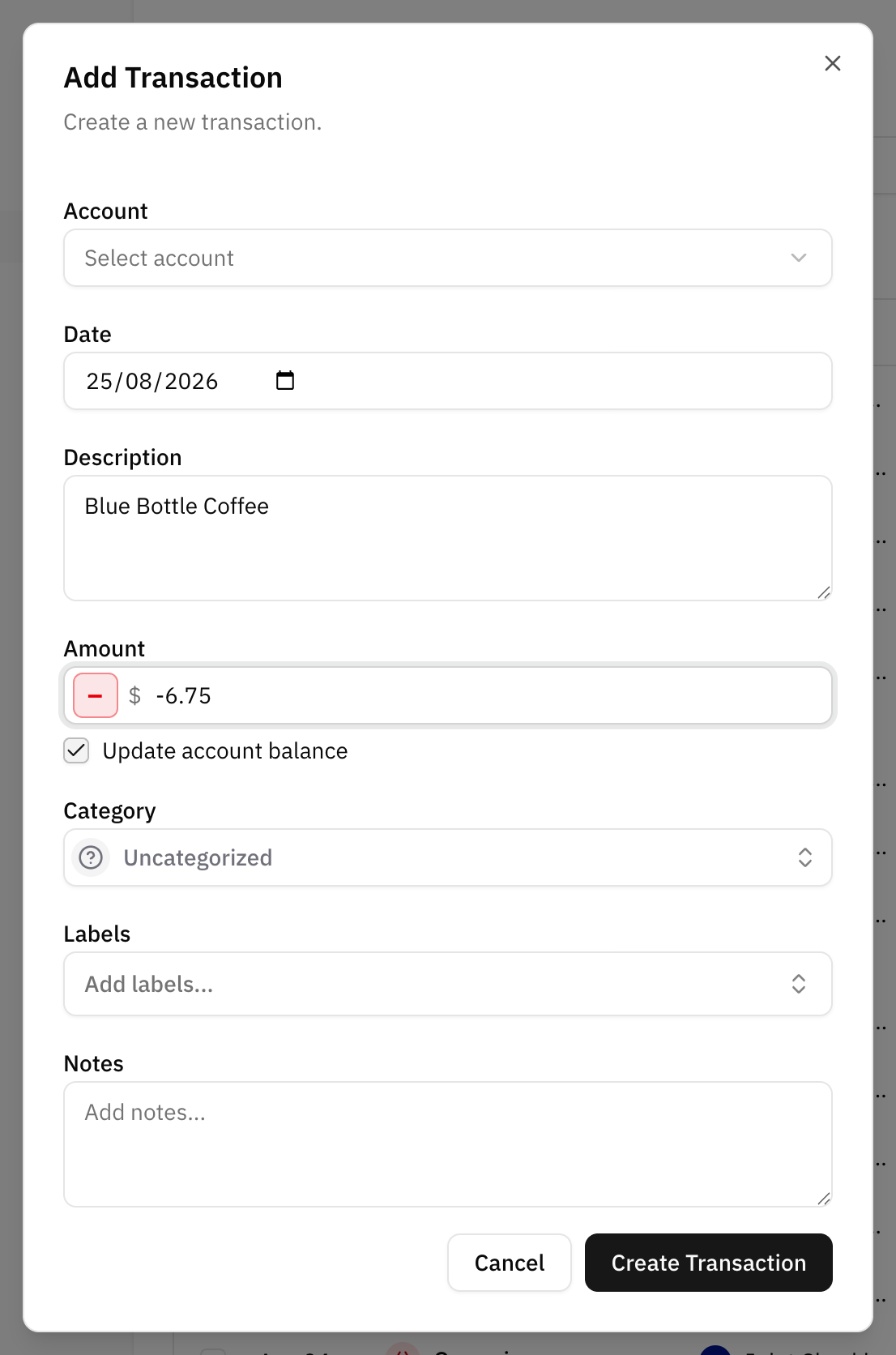
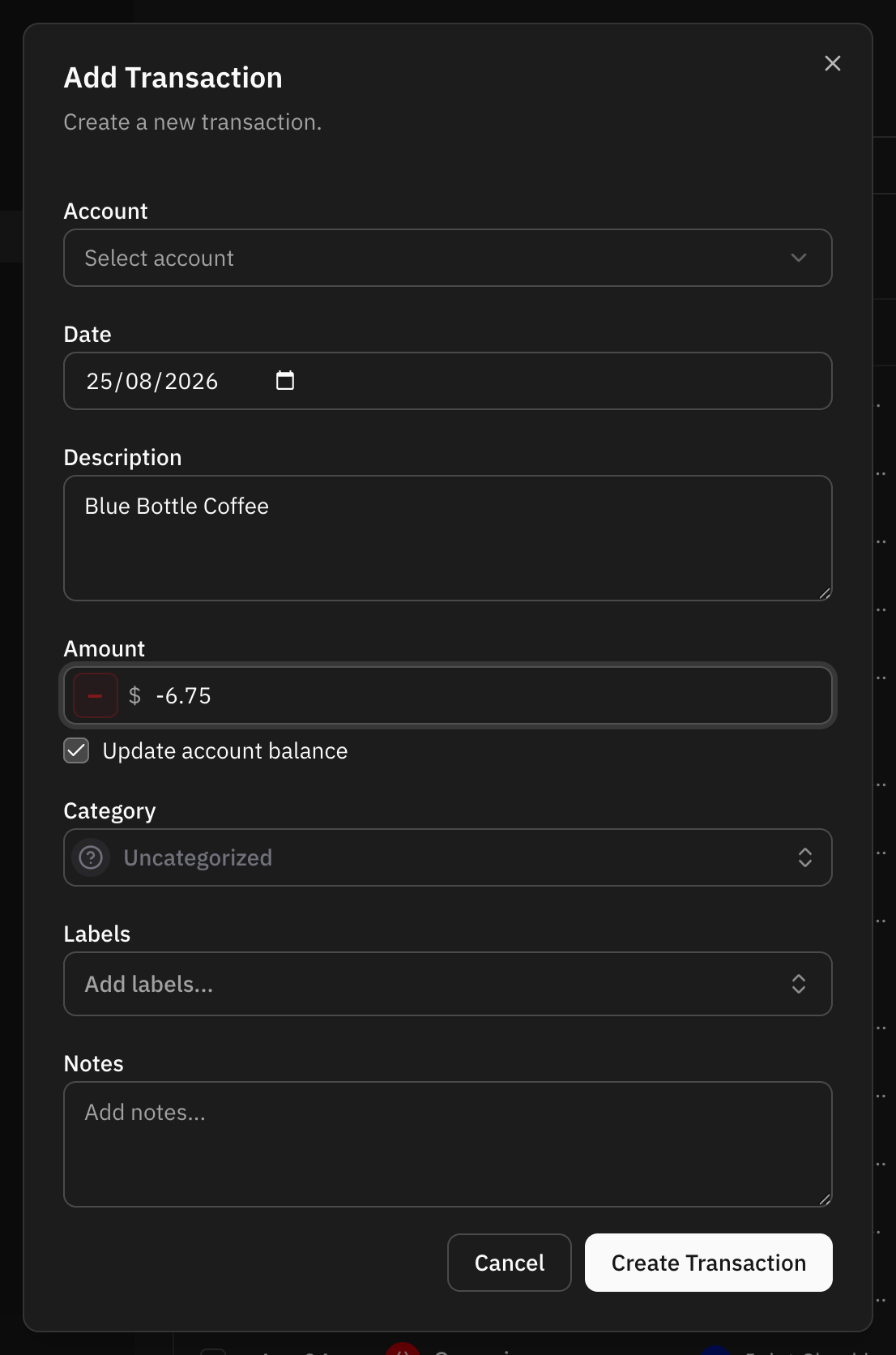
Four fields are required: amount, description, date and account.
- Amount is typed without a sign: the Expense / Income toggle next to it decides whether the money goes out or comes in.
- Description is what you will recognise later, and what automation rules read.
- Date decides which month the transaction is reported in.
- Account decides which balance the transaction belongs to, and its currency.
Category and labels are optional and can be added at any time afterwards. Notes sit behind an Add note button until you need them.
Creditor and debtor names are not part of this dialog. They only exist on transactions a bank supplied them for.
Updating the balance at the same time
On an account you keep by hand, the dialog offers Update account balance. Leave it ticked and the account's balance moves by the amount of the transaction, so the balance and the transaction stay in step.
On an account connected to a bank the option is not offered: the bank is the source of that balance, and the next sync would overwrite anything entered here.
Automation rules still run
A transaction created by hand is matched against your automation rules like any other. A rule only fills what you left empty: choose a category yourself and the rule will not replace it. When a rule matches, its name is shown after saving. The exception is a duplicated transaction, which keeps what the original had.
FAQ
Why is the amount saved as a negative number?
Because money going out is a negative amount everywhere in Whisper Money. Reports, budgets and cashflow all rely on the sign. You never type it yourself: the Expense / Income toggle in the dialog sets it for you.
Can I create a transaction in a different currency?
No. A transaction takes the currency of its account.