Achievements
Achievements are medals for things your money has already done. A budget or a savings goal looks forward; this screen looks back — and it looks back through your whole history, so a milestone you crossed in 2023 is dated 2023 rather than the day the medals arrived.
Quick start
- Open your account menu at the bottom of the sidebar and choose Progress.
- Read Tracks: thirteen ladders, each running from its easiest rung to its hardest, with what you have earned on the left.
- Switch to Timeline for the same medals dated by when they actually happened.
- Press the share icon on a medal you have earned to turn it into a picture.
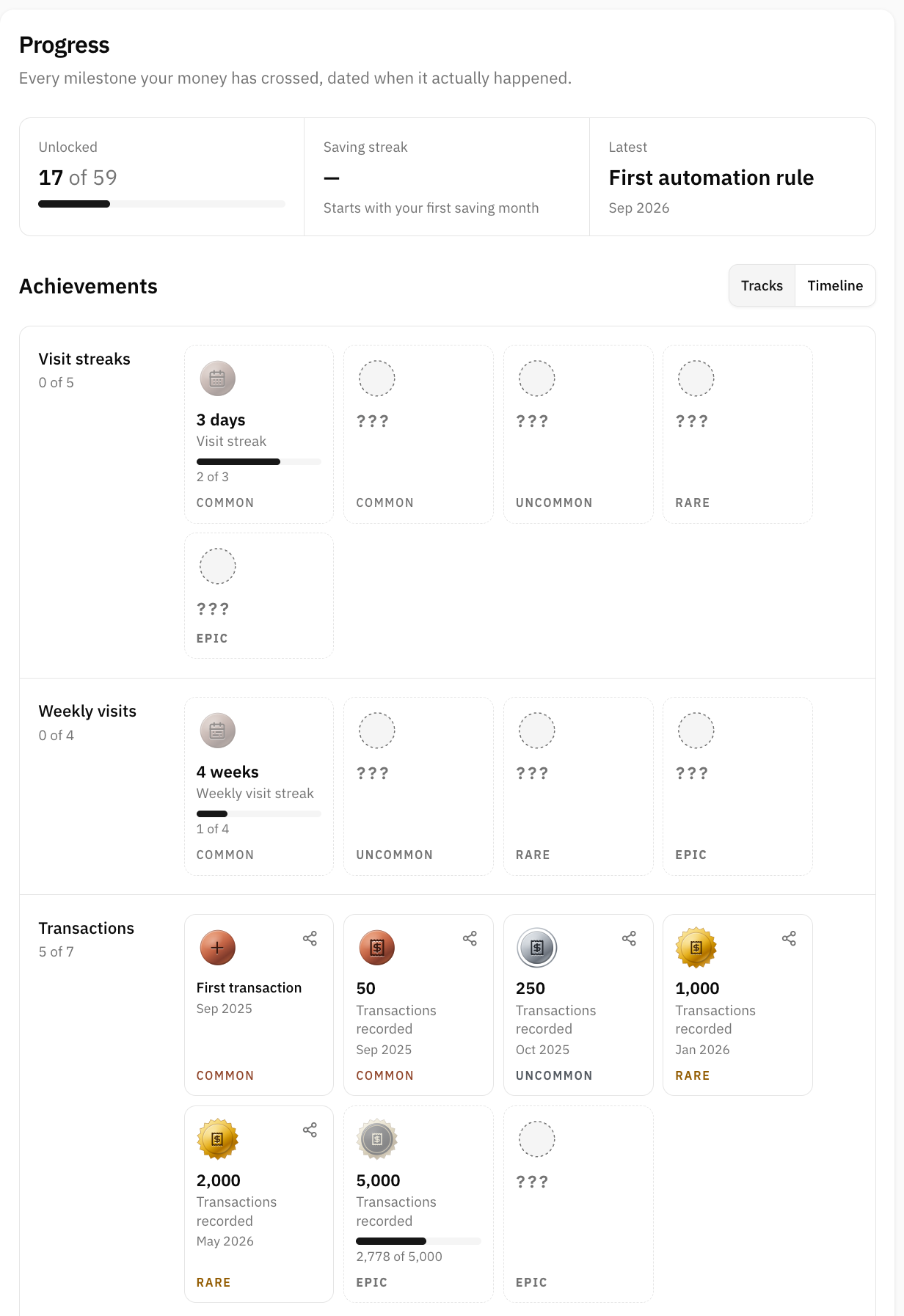
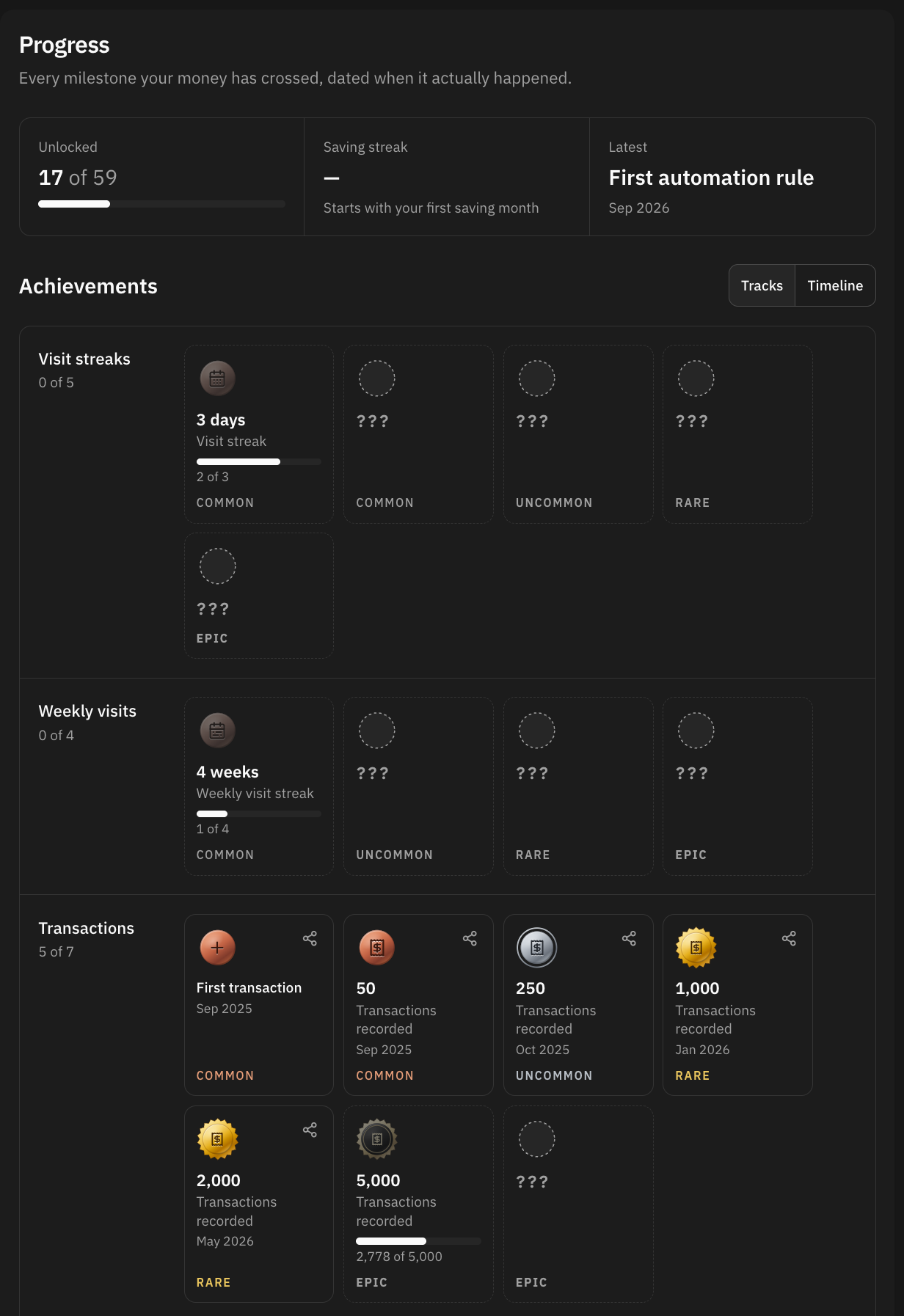
Fifty-nine medals, thirteen tracks
A track is a ladder: the same idea at rising thresholds, read left to right. The tracks are Visit streaks, Weekly visits, Transactions, Fully categorized, Data hygiene, Monthly saving, Monthly investing, Yearly saving, Net worth, Debt and safety, Saving streaks, Savings rate, and Momentum.
Drawn as one grid, fifty-nine medals would read as a wall of things you have not done. Drawn as ladders they read as what they are: the empty slots to the right of what you have earned are the road ahead.
What you can see ahead
The next medal on each track — the first rung you have not earned — arrives named, with its pictogram and the figure to reach. Everything past it is a silhouette with three question marks, and only its tier is shown.
Five of the tracks also draw a small bar under that next medal: visit streaks, weekly visits, transactions, fully categorized months and saving streaks. Those are the ones whose current figure is a count somebody already wrote down. The other eight are money, and working out today's figure means walking every account balance and a month of exchange rates — too much for a page to do while you wait, so no bar is drawn rather than a wrong one.
Tracks and Timeline
Tracks is the ladder view above. Timeline is the same medals grouped by year, each dated to the month it really happened, and it is the reason the history is reconstructed at all: it is a financial life spread over years, not a grid of today.
Two kinds of medal are dated differently, on purpose:
- A milestone is a state your money reached, so it is looked for across your whole history and dated with the month it happened. Import ten years of transactions and you will collect ten years of medals, each in its own year.
- A streak is a habit kept, so it only counts months from the launch of achievements onwards. Nobody earns a twelve-month streak on their first day for a year nobody was counting through. The Saving streaks track names the month it starts from.
Visit streaks work the same way: they count forward from the day you first show up, because there is no log of visits from before there was anything to record. They are also measured on your longest run, not your current one — a run that peaked and then broke still happened.
Money medals and your currency
The money ladders are set per currency, and scaled to what a salary buys locally rather than converted at the exchange rate: US dollars, euros, Mexican pesos, Colombian pesos, Argentine pesos, Peruvian soles and Chilean pesos each have their own rungs. Everyone else is measured in dollars, converted at the rate of the month in question.
So the fourth rung of Net worth is the same rung for everybody and a different figure for each of them. A medal nobody in a country could ever reach would be dead weight on the page.
Rarity
Every medal has a tier assigned by hand — common, uncommon, rare or epic — and it never moves. Beside it, inside the app only, you may also see the real share of members who hold that medal. That number is left off until enough members have been evaluated for it to mean anything: "50% of members" over four people is a sentence that says nothing.
When medals are awarded
Once a day, overnight. Nothing is checked at the moment you record a transaction, because half the medals are about a closed month or a balance at a month end — there is nothing to react to as the money moves.
That means you can already stand past a threshold with the medal still locked. The screen says so rather than pretending your figure is smaller: the bar reads your real number, and the medal follows that night.
The Saving streak figure at the top of the screen is a live count, not a medal. A medal records that a streak happened and stays when the streak breaks, so the two are shown apart.
Once a medal is recorded it is yours. Editing or deleting the transactions behind it later does not take it back.
Sharing a medal
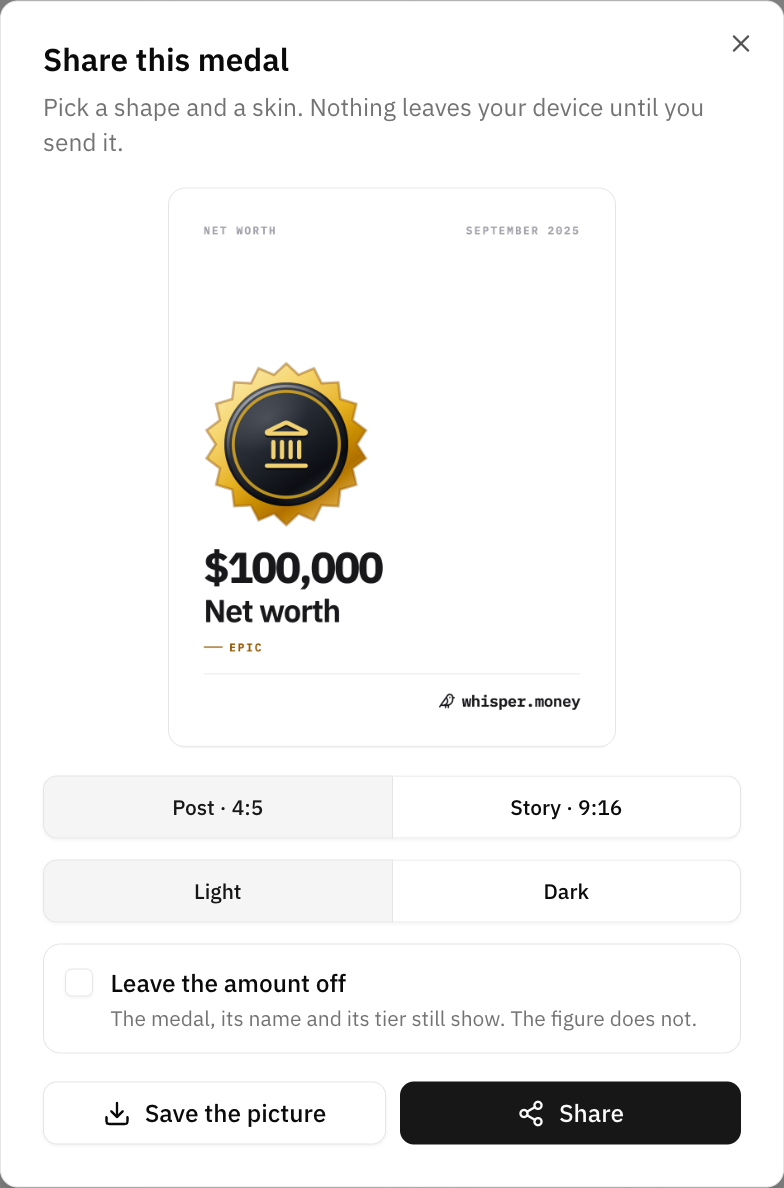
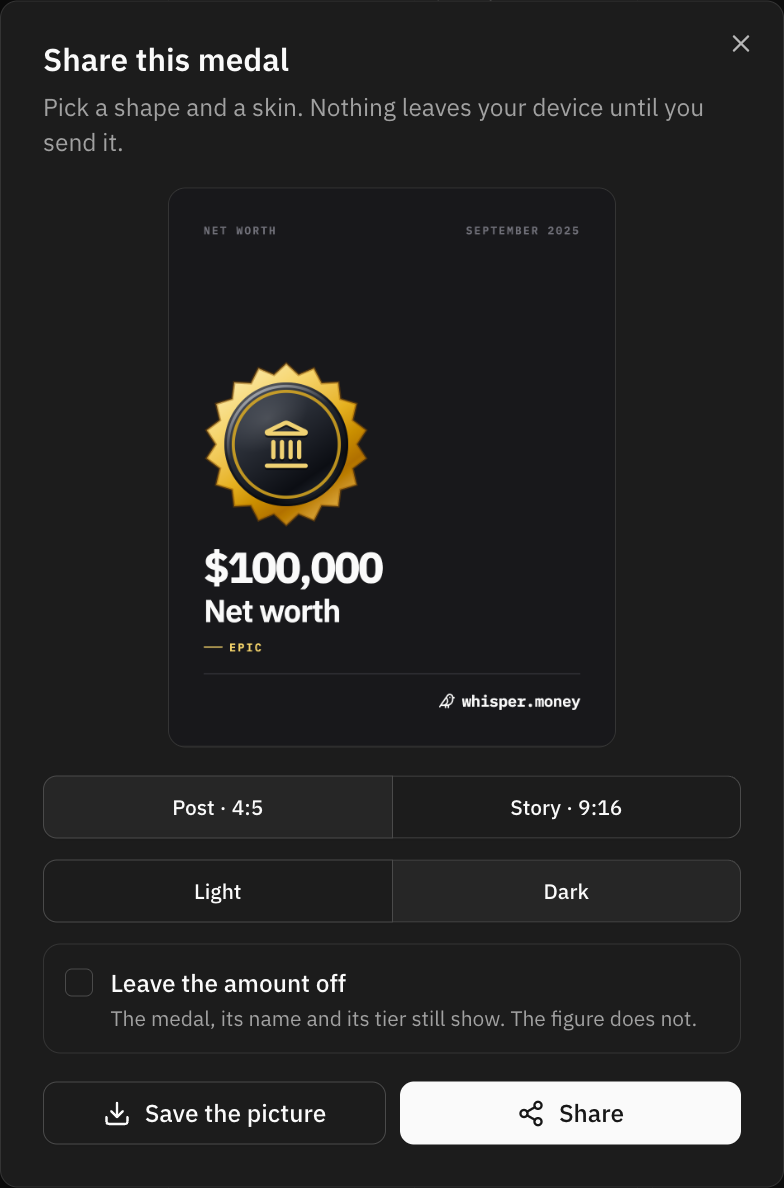
The share icon on a medal you have earned opens a dialog that draws the medal as a picture. Pick the shape — Post · 4:5 for a feed, Story · 9:16 for a story — and the skin, light or dark, then either save the picture or hand it straight to your phone's share sheet.
Three things are worth knowing:
- Only medals you have earned. A locked medal has no name on the screen, and there is no picture of it to be had either.
- A money medal writes its amount, and you can take it off. Tick Leave the amount off and the medal, its name and its tier still show; the figure does not. On by default, because the figure is the milestone — hiding it is a choice you make, not one made for you.
- Making the picture publishes nothing. You get a file. Where it goes next is entirely up to you.
That last point is the difference from a monthly summary, which can also be shared as a public link — an address you hand out and can take back. A medal has no address. It is a picture, and there is nothing to revoke.
Telling you about it
A new medal puts a row in the bell. Three medals on a Tuesday are three rows, and at most one email between them for the whole day.
The very first pass is the exception: it reads your entire history at once and can unlock twenty medals in a second. Twenty rows would be an avalanche nobody reads, so the backfill is silent and a single welcome row says how it went.
The email can be turned off under Settings → Notifications. The rows in the app carry on either way.
FAQ
Why is a medal dated years ago?
Because that is when you earned it. Milestones are looked for across your whole history and dated with the month your money actually reached them, which is why importing years of transactions fills in years of medals.
I passed the number today and the medal is still locked.
Medals are worked out once a day, overnight. The bar under the next medal reads your real figure, so it can sit past the goal for a few hours; the medal follows on the next pass.
Why can I not see what the medals ahead are called?
Only the next one on each track is named, with the figure to reach. The rest stay hidden on purpose — a ladder you can read to the end is a checklist, not something to come across.
Can other people see my medals?
No. The screen is yours. A medal only leaves your account if you make a picture of it and post it somewhere yourself.
Do I lose a medal if I delete the transactions behind it?
No. Once a medal is recorded it stays recorded.
Can I stop the emails?
Yes, under Settings → Notifications. You will still see every medal in the app.
I cannot find Progress in my account menu.
Achievements are still being rolled out, so the entry is not in every account yet. Nothing is lost while you wait: the history is read from the transactions you already have, so the medals are all there to collect on the day it arrives.