Monthly summary
A monthly summary is a short report on the month that has just closed: what your money did, how it compares with the month before, and a few things worth five minutes. It arrives by email and it stays in the app, and the figures in it are frozen the day it is written.
Quick start
- Wait for the email, a few days after the month ends.
- Or open your account menu and choose Monthly summaries — every report you have been sent is there, newest first.
- Read the headline, the figures, and anything under Worth five minutes.
- Share a card as a picture, or create a public link, if you want to.
What the report says
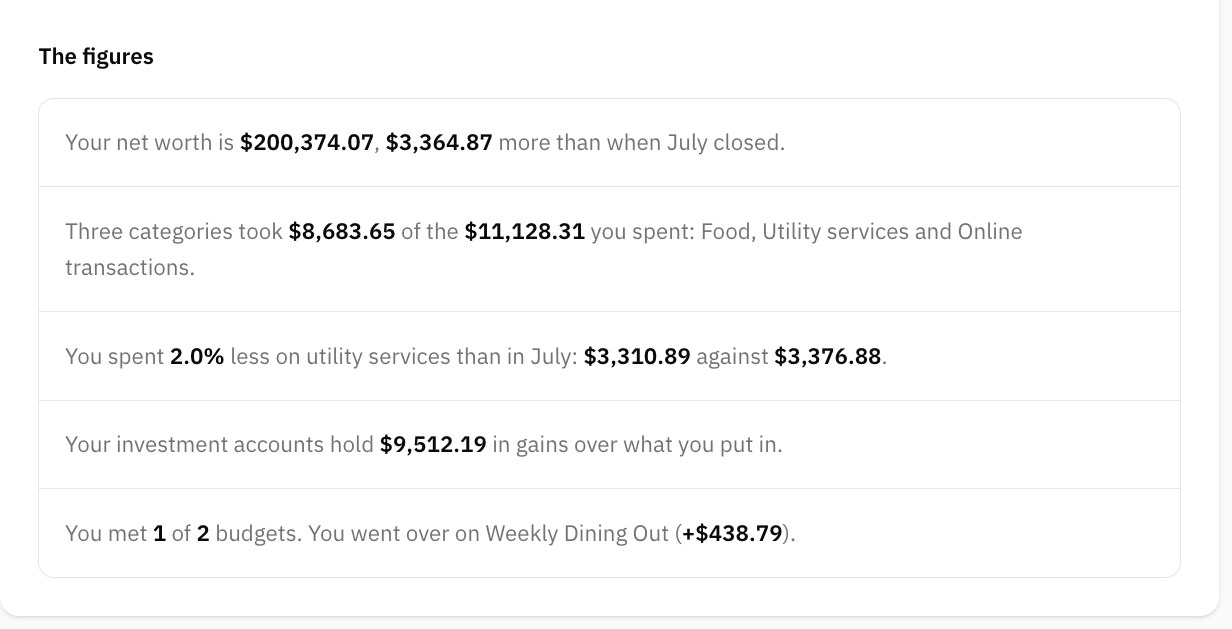
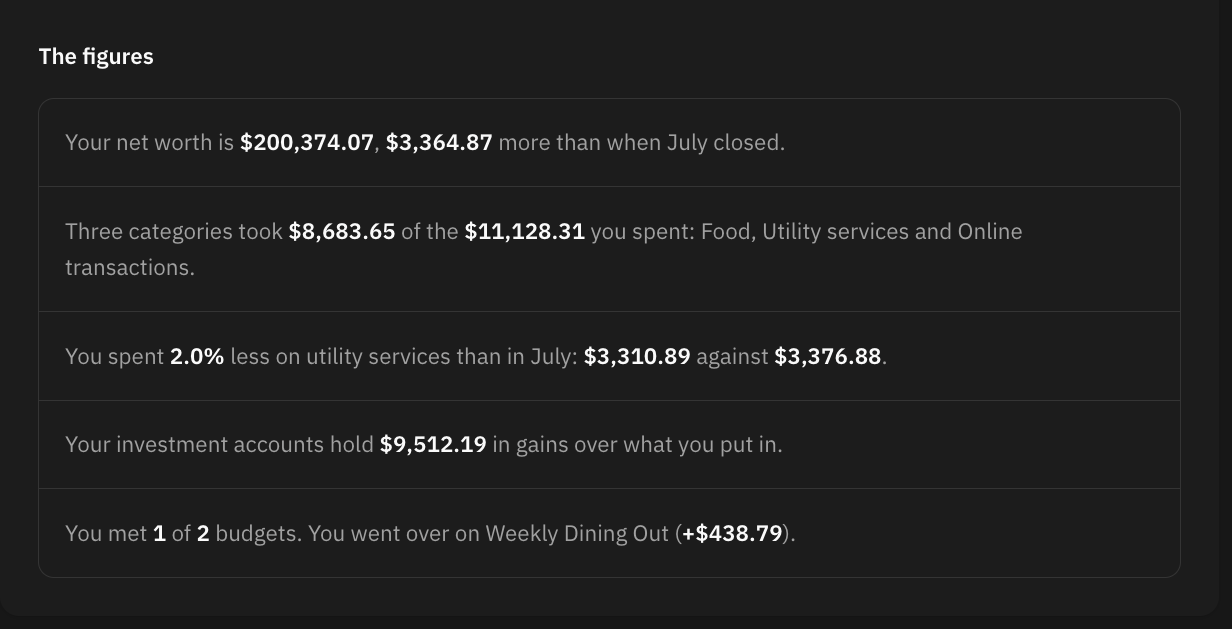
It opens with the one thing that most describes the month, then one sentence per figure, each with the numbers picked out. Depending on what the month contained, that can include:
- Your net worth, and how it moved since the previous month closed.
- What you saved, and your savings rate.
- The three categories that took most of your spending.
- A category that dropped noticeably against last month.
- What your investment accounts are holding in gains.
- How many budgets you met, and which you went over.
- How your savings goal moved.
Then Worth five minutes: the few things that are actually worth doing, each with the consequence of leaving it — a bank connection about to expire, transactions with no category, a budget that has been short for months.
Every figure comes from the same services the rest of the app reads, so the report cannot quote a number you are unable to find on the cashflow screen.
When it arrives
The report goes out on the 3rd, at nine in the morning wherever you are, not on the 1st. A month is often still moving on the 1st: a bank syncs overnight, and the balances of loans and property settle at the turn of the month. Reporting before all that has landed means reporting figures that change afterwards.
If your month is not ready — nothing has happened in the new month yet, from a bank or from you — you get a short reminder instead, and it is retried every day until the 10th. On the 10th the report goes out with whatever is there, and says in the report itself that some accounts had not reported and the figures may be short.
A month with nothing in it produces no report at all. A first month gets a simpler one, since half the report is comparisons and there is nothing yet to compare against.
The figures are frozen
A report is written once. What you read in it is what was true on the day it was written, and it does not change when you go back and recategorize something in that month.
That is deliberate. A report about a closed month that quietly rewrote itself afterwards would be worse than no report at all — you could never point at it and say what happened. The current view of any month is always a click away on the cashflow screen; this is the version that was sent.
The one exception is a report frozen while the month was still incomplete and not yet sent: that one is rewritten before it goes out, because by then the missing bank has reported.
Why this happened
Paid plans that have granted AI consent get an extra section that reads the figures and says what drove them — which categories moved, which of them have been moving for months, and what your goal looks like at the pace you are keeping.
Both conditions are required. Without an active consent nothing about you is sent to a model, whatever you pay, and you see the same locked section as everyone else. The text is written once and stored with the report, so the analysis you read cannot change later either.
Sharing your month
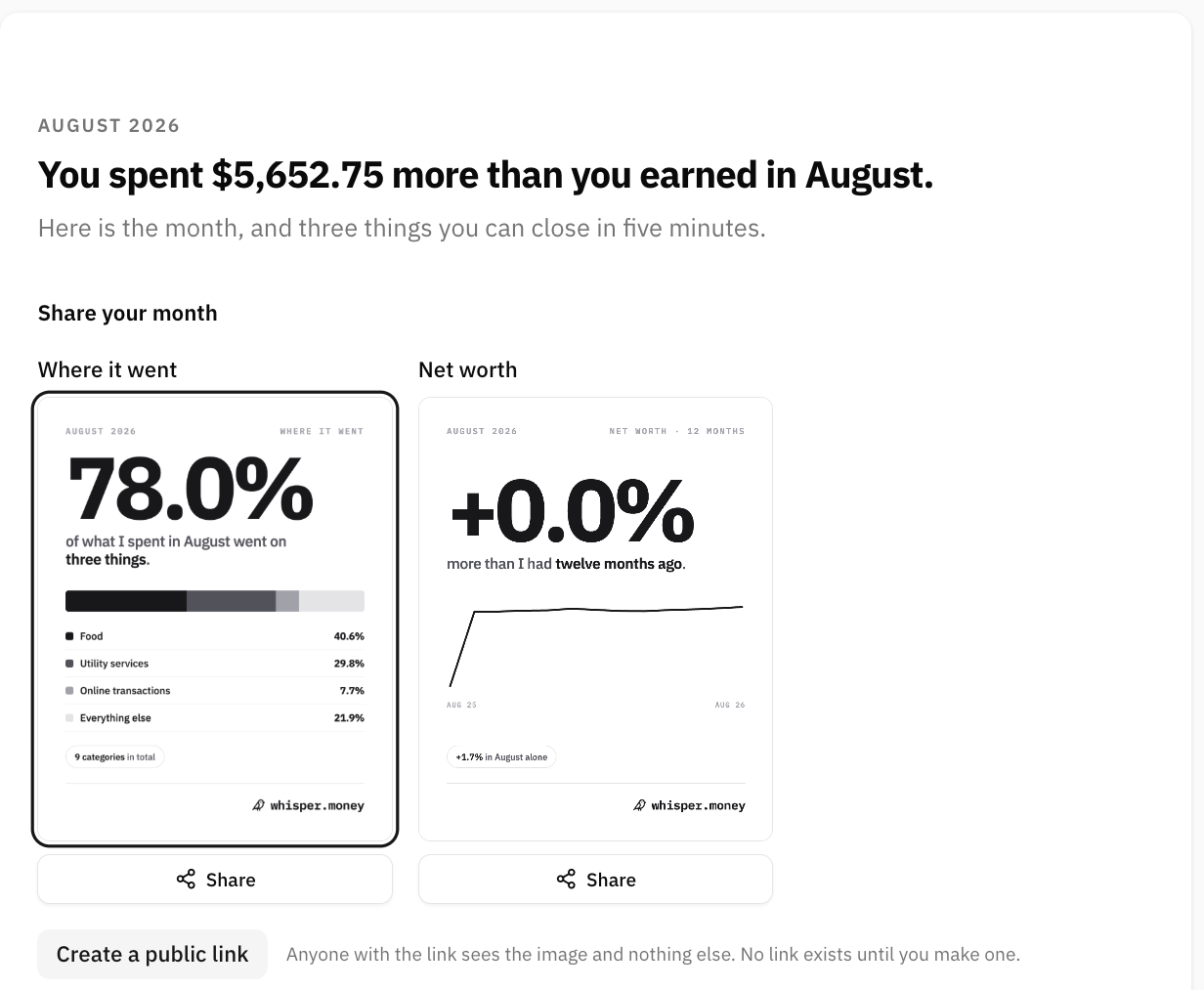
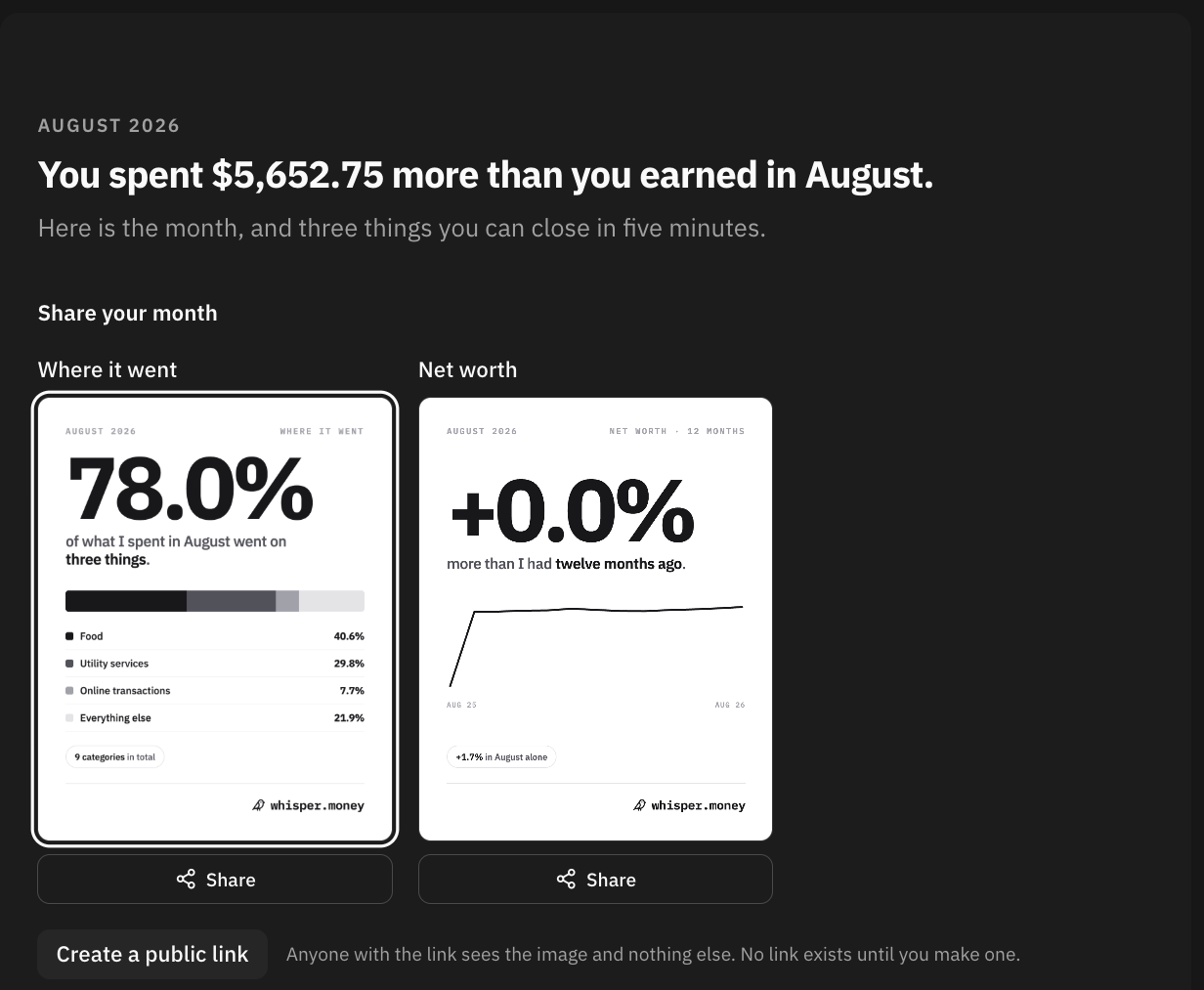
There are two different ways to share a report, and they are worth telling apart.
As a picture
Every report can draw a few cards: a streak, a savings rate, a savings goal, a net worth change, or where the money went. Whisper Money picks the one with most to say and marks it, and the others stay available beside it.
Share on a card opens the same dialog a medal uses: pick the shape — 4:5 for a feed, 9:16 for a story — and the skin, then save the picture or hand it to your phone's share sheet. Making the picture publishes nothing; you get a file, and where it goes is up to you.
As a public link
Create a public link mints an address anybody can open. Until you press it, no such address exists.
The page behind it carries the card and a link to Whisper Money, and nothing else: no name, no amounts, no breakdown, no way through to your account. It asks search engines to leave it alone. It exists for one reason — pasting a link into WhatsApp or X unfurls the picture, so you do not have to download the image and upload it again.
Revoke the link takes it back. The address stops working from that moment, and anybody who still has it gets a page that no longer exists.
That is the whole difference between the two. A card is a picture you send: once it is out, it is out, exactly like any other photo. A link is an address you hand out, and an address can be withdrawn.
Putting the notice away
The dashboard shows a notice when a new report is waiting. Dismiss puts that notice away without deleting anything — the report itself stays under Monthly summaries for as long as your account does.
Turning the email off
Under Settings → Notifications, the Monthly summary toggle stops the report email and the reminder that goes with it. Every message also carries an unsubscribe link that does the same thing. The reports carry on being written and stay in the app either way.
FAQ
I never got a report.
The likely reasons, in order: the month had nothing in it, nothing had happened in the new month by the 10th, or the email is switched off under Settings → Notifications. Whatever the email did, anything that was written is under Monthly summaries.
Why does the report not match what the app shows now?
Because it was frozen when it was written and the app is showing the month as it stands today. Recategorizing a transaction from that month changes the app and leaves the report alone, on purpose.
Who can see my report?
Only you, unless you create a public link. Nothing is published by opening the report, by drawing a card, or by saving a picture.
Does the public page show my name or my balances?
No. It shows the one card you shared and a link to Whisper Money. There is no name on it, no breakdown, and no way from it into your account.
Can I un-share something?
You can revoke a public link at any time, and the address stops working immediately. A picture you have already saved or posted is a file like any other — that one is out of our hands, and out of yours.
How far back do the reports go?
To your first report. They are kept, so Monthly summaries is a stack of every month that has been closed and sent since you started.
Can I get a report for the current month?
No. A report describes a month that has finished. For the month in progress, use the cashflow screen.