Edit balances
Correct the balance history of an account: change a figure, fix a date, or delete a record that should not be there.
Two ways in
Update balance on the account page writes today's balance. It is the quick one: you have just checked your bank and want the number to match.
See balances in the account's ⋯ menu opens the whole history, one record per date, and lets you change or delete any of them.
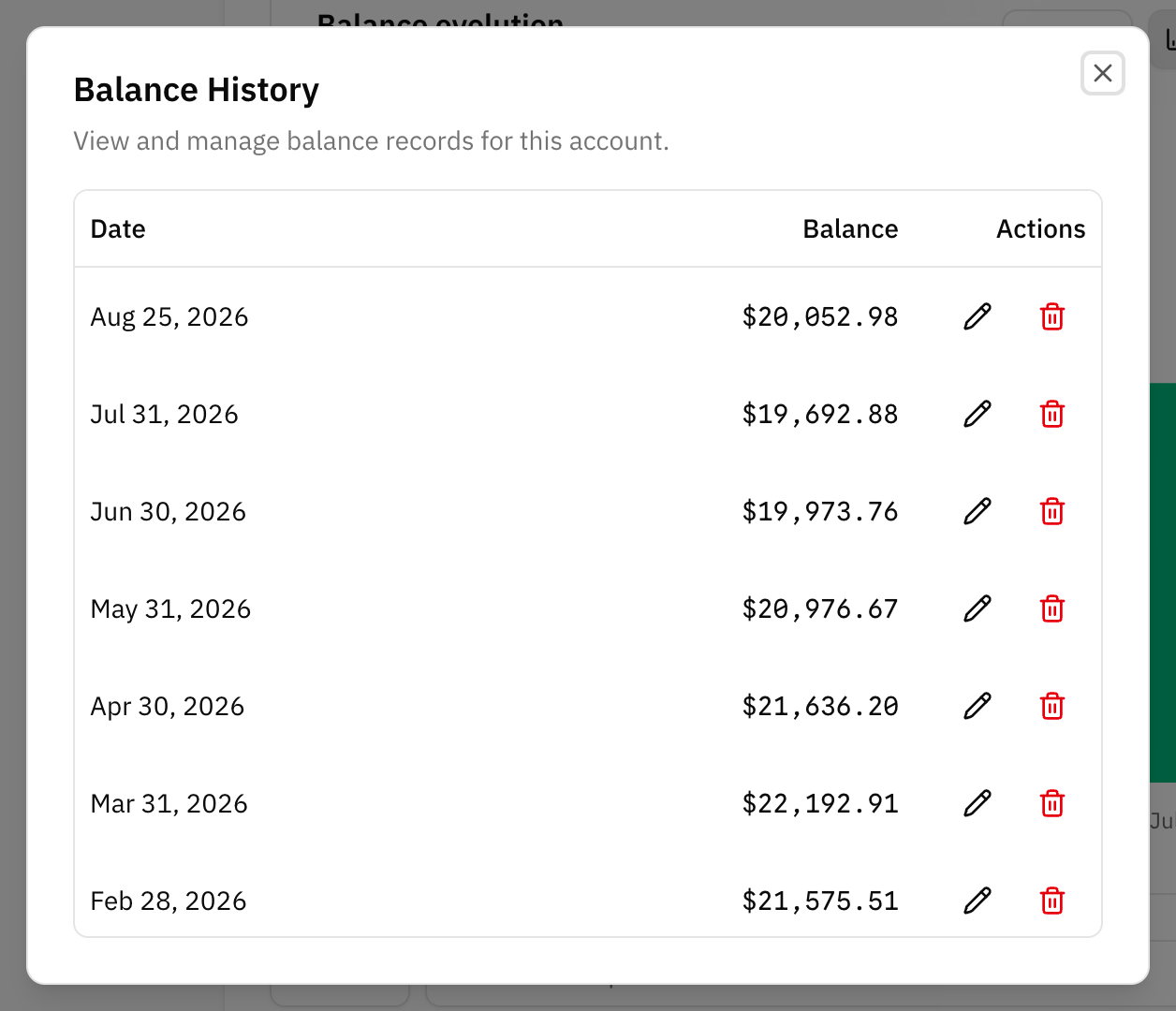
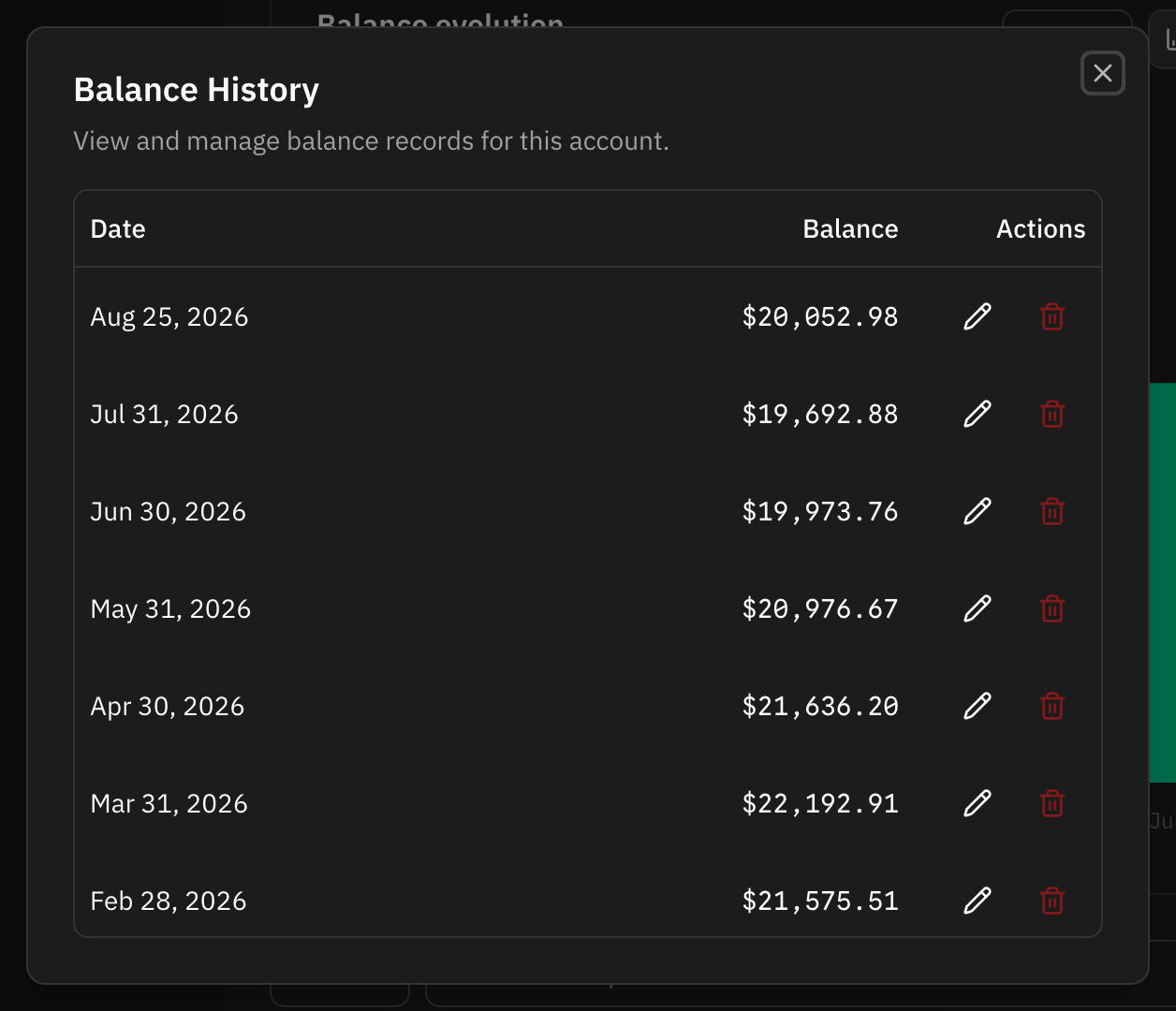
Both are named after what the account holds: market values on a real estate account, owed amount on a loan.
A connected account has both. Every earlier date is yours to correct, and a sync never touches it. Today is the bank's: every sync writes today's balance again, and any later date once that day arrives, so an edit there only lasts until the next sync.
Editing a record
Open a record to change its date and its amount. Investment, retirement and savings accounts also carry an invested amount, which is what you put in rather than what it is worth now.
There is one balance per date. Moving a record onto a date that already has one replaces that date's balance, so the history never ends up with two answers for the same day.
Deleting a record
Deleting removes that date from the history, and the charts are redrawn from the records that are left. Delete a record because it was wrong, not to tidy the list: a sparser history makes the account's chart less accurate, not smaller.
What this changes
Balances are what the net worth chart and the account's own chart are drawn from. Transactions are not: adding a transaction by hand can move the balance with it, but editing an old balance does not create or change any transaction.
FAQ
I fixed the balance and net worth still looks wrong.
Check the other accounts. An account you have never given a balance to has nothing to contribute, so it reads as zero until you set one. Accounts covers which account types count towards net worth and which do not.
Can I edit balances that came from a bank?
Yes. On any date before today the edit stays. On today's, and on a date still to come, the next sync overwrites it — fix that one at the bank instead.