Labels
Labels are flexible tags you put on transactions. A category says what kind of spending something is; a label says which of your things it belongs to.
Labels or categories
A transaction has exactly one category and any number of labels. That difference is the whole point of having both.
Reach for a label when a group of transactions cuts across categories: a holiday that was flights, restaurants and taxis; a flat renovation that was tools, furniture and a plumber; the expenses you will bill to a client.
Reach for a category when you want the transaction to land somewhere in your reports. Labels do not appear in the cashflow report — they are for filtering and for budgets.
Managing them
Labels live in Settings → Labels. Each one has a name and a colour, and the list can be filtered by name once there are enough of them to need it.
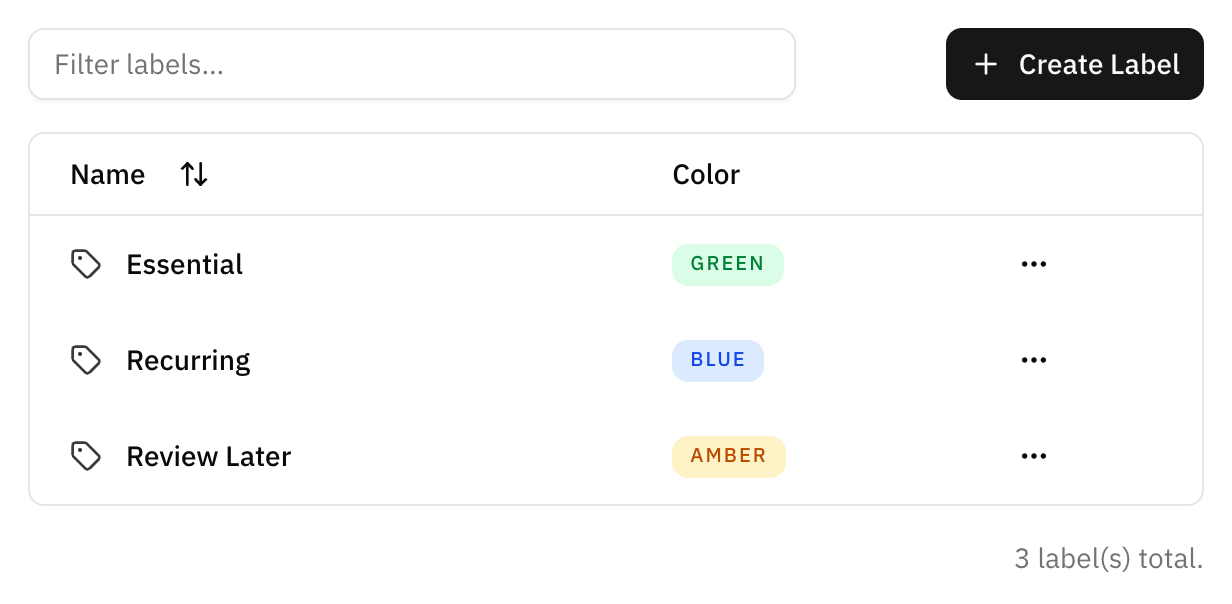
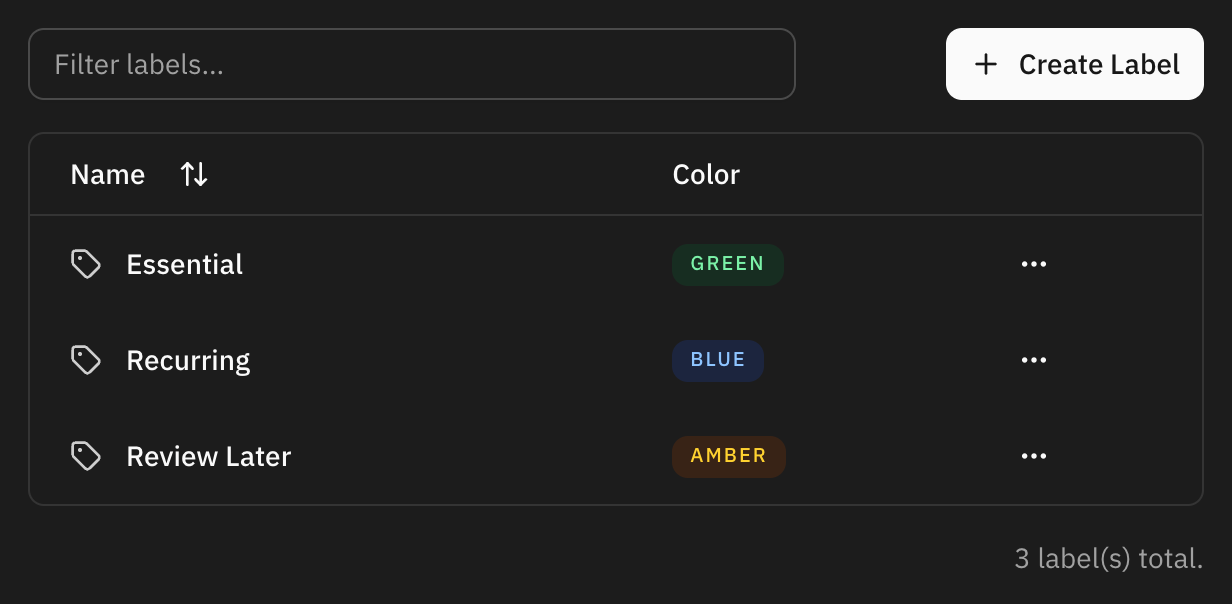
There are twenty colours to choose from. The colour is what makes a label readable at a glance in the transaction list, so it is worth spending a moment on: one colour per area of your life beats twenty labels in twenty colours.
You can also create a label without leaving the transaction you are editing. It appears in the settings list afterwards like any other.
What labels are good for
- Filtering. Filter the transaction list by label to see everything belonging to one project, trip or person.
- Saved filters. A label plus a date range, saved, is a report you can open in one click.
- Budgets. A budget can track a label instead of a category, which is how you put a ceiling on something that spans categories.
- Automation rules. A rule can attach a label as well as set a category, so a recurring merchant labels itself.
- Bulk actions. Select a group of transactions and label them all at once.
Deleting a label
Deleting a label removes it from the transactions that carried it. The transactions themselves are untouched — their amounts, dates and categories are unaffected — but anything that was matching on that label stops matching, including a budget that tracked it.
If a label is simply the wrong name, rename it instead. Renaming keeps every transaction attached.
FAQ
How many labels should I have?
Few enough to remember. A label you have to look up is a label you will not use, and an unused label makes the list harder to read for the ones you do use.
Can a transaction have two labels?
Yes, as many as you like. That is the difference from categories.
A label I did not create is on a transaction.
An automation rule attached it. The rule that did it is listed in Automation rules, where you can change or remove the label from its actions.